# Setup

Nella prima fase di [Customer Success](/customer-success.md), ovvero nella fase di Setup ci occuperemo di importare tutte le informazioni necessarie per garantire un avvio delle attività ottimale.

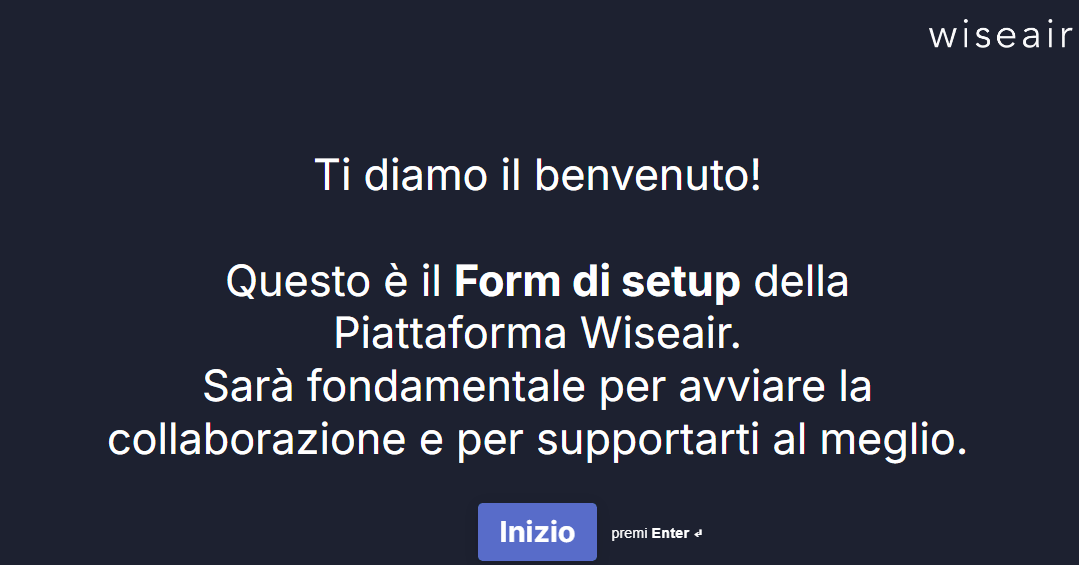
Queste informazioni sono raccolte attraverso il [Form di setup](https://form.typeform.com/to/Pc51SA4c).

<figure><img src="/files/6vbbSLAhjcSlOUxM0O0k" alt=""><figcaption><p>La prima schermata del Form di setup</p></figcaption></figure>

Alcune informazioni sono **obbligatorie** in quanto strettamente necessarie per lo svolgimento delle attività di Mobility Management:

* indirizzi delle sedi coinvolte;
* account delle persone che gestiranno o supporteranno nella gestione della mobilità in queste sedi (indirizzi email e sedi di competenza).

Altre informazioni, seppur **facoltative**, possono essere di aiuto per impostare un lavoro di qualità e inserire dati preziosi che ci aiuteranno a supportarvi al meglio:

* PSCL passati;
* file .xlsx o .csv contenenti le risposte a precedenti questionari;
* matrici origine - destinazione della forza lavoro (qui puoi vedere un esempio della struttura della [Matrice O/D](https://docs.google.com/spreadsheets/d/1MPafxv-iXRAgnuS652Oh0AzEz2vXGmcc/edit?usp=sharing\&ouid=110013006788622073353\&rtpof=true\&sd=true));
* file di brand guidelines da tenere in considerazione per la redazione dei documenti;
* altri file contenenti informazioni legate alla mobilità casa - lavoro.

Completata la parte di Setup, ovvero compilato fino alla fine il [Form di setup](https://form.typeform.com/to/Pc51SA4c), si passa alla fase di [Kick-off](/customer-success/kick-off.md)


---

# Agent Instructions: Querying This Documentation

If you need additional information that is not directly available in this page, you can query the documentation dynamically by asking a question.

Perform an HTTP GET request on the current page URL with the `ask` query parameter:

```
GET https://docs.wiseair.vision/customer-success/setup.md?ask=<question>
```

The question should be specific, self-contained, and written in natural language.
The response will contain a direct answer to the question and relevant excerpts and sources from the documentation.

Use this mechanism when the answer is not explicitly present in the current page, you need clarification or additional context, or you want to retrieve related documentation sections.
